Create a Tesla Halloween light show
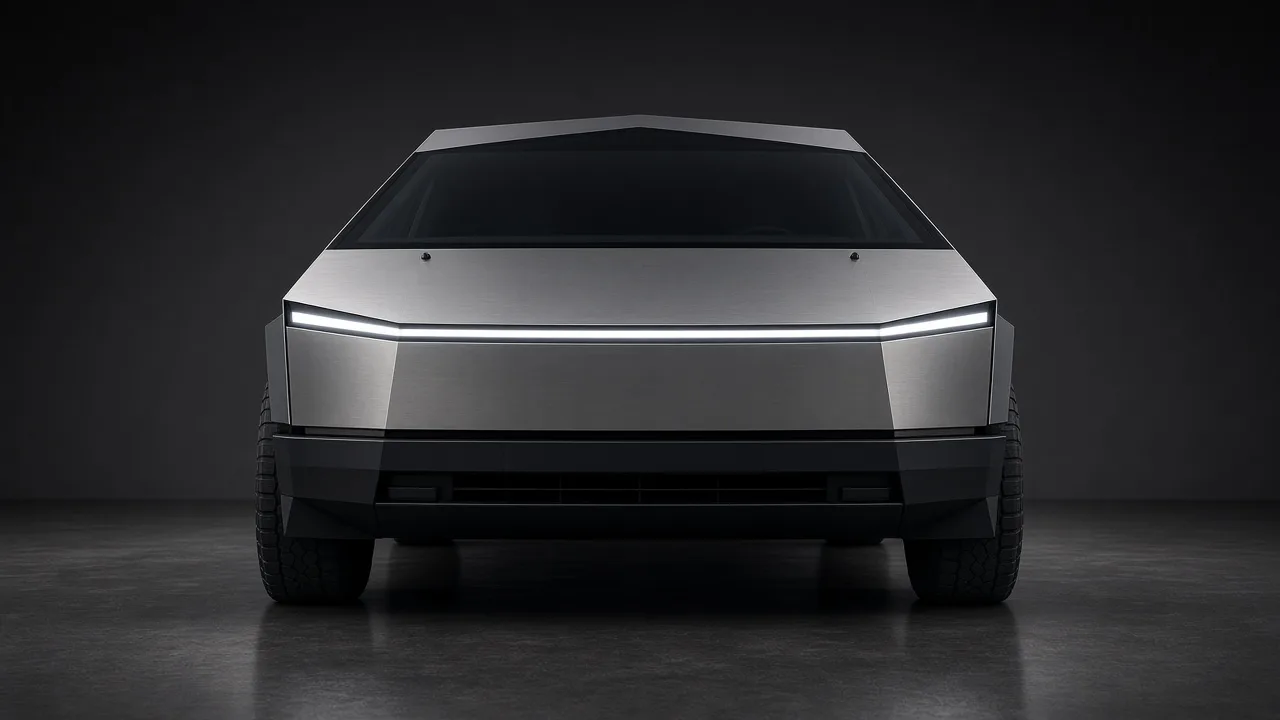
A Tesla Halloween light show is a perfect trick-or-treat attraction: flickering headlights, eerie pauses and sudden bursts timed to a spooky track. Instead of hunting for a show someone else made, ilume lets you build a custom one from any song you own — a horror movie theme, a classic monster-mash style tune or a modern bass-heavy track.
The Halloween preset
In the Studio, upload your song and choose the Halloween chip. The generator listens for kicks, hats and drops in your browser (the music never leaves your device) and adds flicker effects, stutters and dramatic blackouts tuned for the season. Preview the whole show free, unlimited times, on a 3D model of your car before you pay anything.
Tips for a spooky driveway
- Songs with silences and big hits make the scariest shows — the lights go dark, then everything fires at once.
- Back the car in so the headlights face the street.
- Run the show once before guests arrive to check timing and clearance.
- Cybertruck and Model X shows look especially dramatic at night; see our Cybertruck and Model X pages.
Getting it onto the car
Your export contains an FSEQ v2 show file and the audio, ready to play from USB:
- Format a USB drive as exFAT or FAT32.
- Unzip your ilume export to the root so the drive contains a
LightShowfolder withlightshow.fseqand the matching audio file (.wavor.mp3). - Make sure there is no
TeslaCamfolder at the root of the same drive. - Plug the drive into the car, open Toybox → Light Show, and start your show.
Safety: a light show can move closures — mirrors, the trunk or liftgate, the charge port and windows (and the falcon doors on Model X). Park somewhere with room around the car, keep people and objects clear of moving parts, and only run shows while parked.
Make your Halloween show now
Upload a song, preview the full show free and unlimited, then export to USB for $9.99 per show ($5.99 right now with code HOLIDAYS). No account, no subscription.
Open the studio — make a show