How to make a Tesla light show
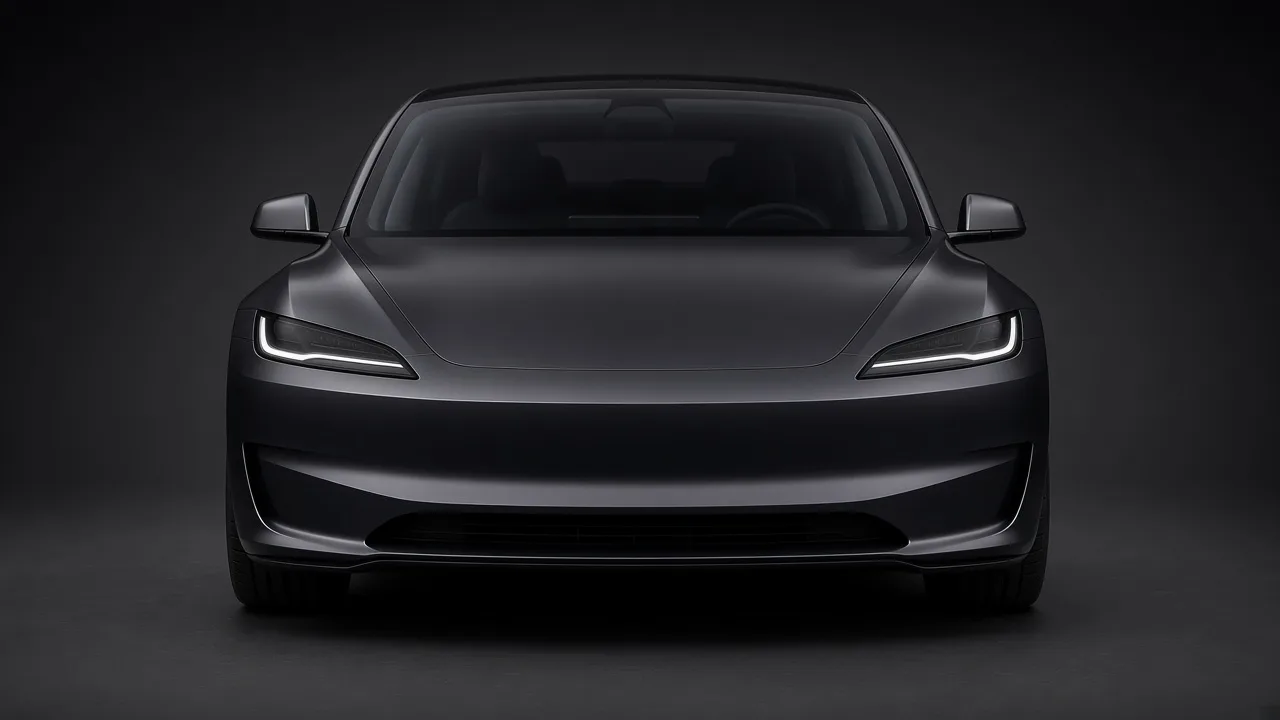
A Tesla light show is two files: a show file in FSEQ v2 format that tells the car which lights and closures to move on each frame, and an audio file the car plays in sync. Making one by hand means sequencing every light in desktop software for hours. ilume does the choreography and file formatting for you automatically — but here is the whole process so you know exactly what happens.
1. Create the show
Open the ilume Studio, choose your car (Model 3, Model Y, Model S, Model X or Cybertruck) and upload a song. The generator analyzes the beat in your browser — your song is never uploaded — and builds a show in seconds within the official per-show command limits. Preview it free as many times as you like, then export it to USB for $9.99 per show.
2. Prepare the USB drive
- Use a USB drive formatted as exFAT or FAT32 (NTFS and APFS drives are not read by the car).
- Create a folder named
LightShowat the root of the drive. ilume's export zip already contains this folder — just unzip it to the root. - Inside it you should see
lightshow.fseqand the audio file (lightshow.wavor.mp3) with the same name. - Do not keep a
TeslaCamfolder on the same drive; use a separate drive for dashcam footage.
3. Play it in the car
- Park somewhere with space around the car.
- Plug the USB drive into a port that supports data.
- On the touchscreen open Toybox → Light Show, select your custom show and tap to start. You can start it right away or schedule a delay so you can step out and watch.
Troubleshooting
- Show not listed: check the folder name is exactly
LightShow, sits at the root, and the drive is exFAT/FAT32. - Audio out of sync or missing: make sure the audio file and the .fseq share the same base name.
- Some features do not move: availability depends on your model and software version; ilume only commands closures your car has.
Safety: a light show can move closures — mirrors, the trunk or liftgate, the charge port and windows — and on Model X, the falcon wing doors. Park somewhere with room around the car, keep people and objects clear of moving parts, and only run shows while parked.
Let ilume build your show
Upload a song, preview the full show free and unlimited, then export to USB for $9.99 per show ($5.99 right now with code HOLIDAYS). No account, no subscription.
Open the studio — make a show